
Barcode scanning app with Excel and CSV files
You do not need a database to start. StepVane reads item lists from an Excel workbook or a CSV file on the PC or a network share, and writes what workers capture back to a file.
How it works
Read lists from files
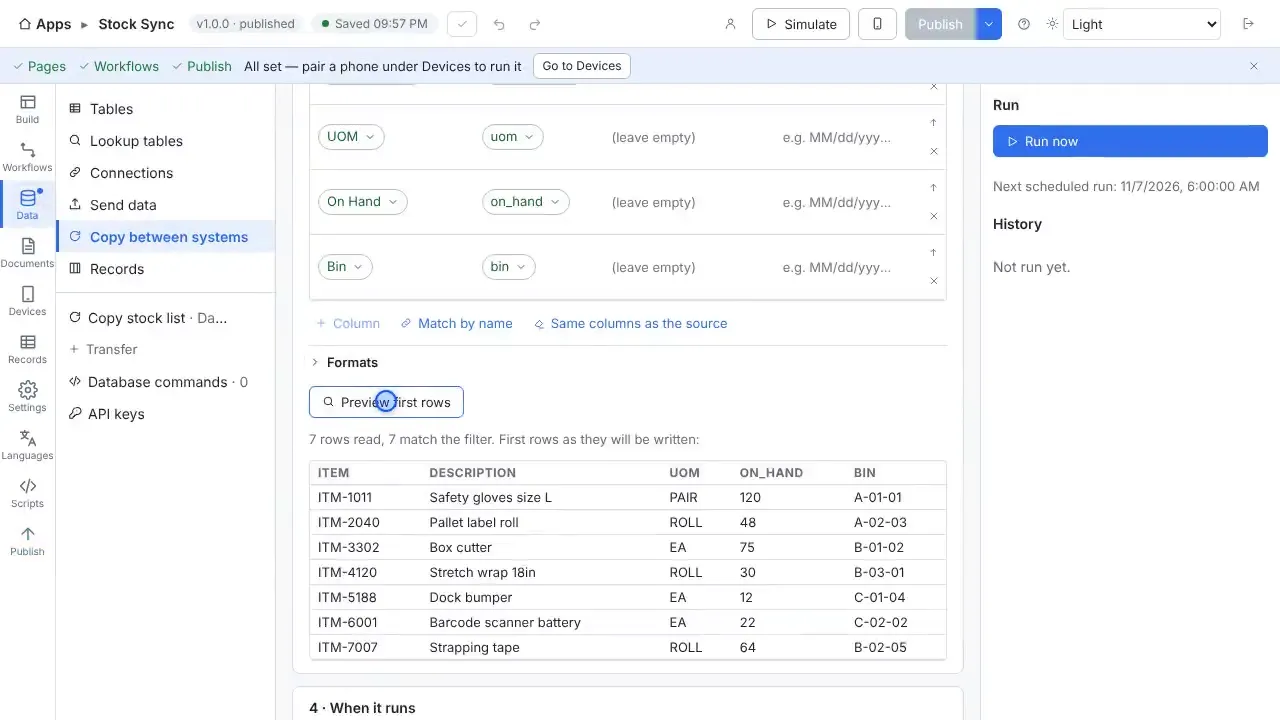
Add a file connection, and StepVane reads the file straight away and shows the first rows. Turn it into a lookup table that every handheld carries.
Write records to a file
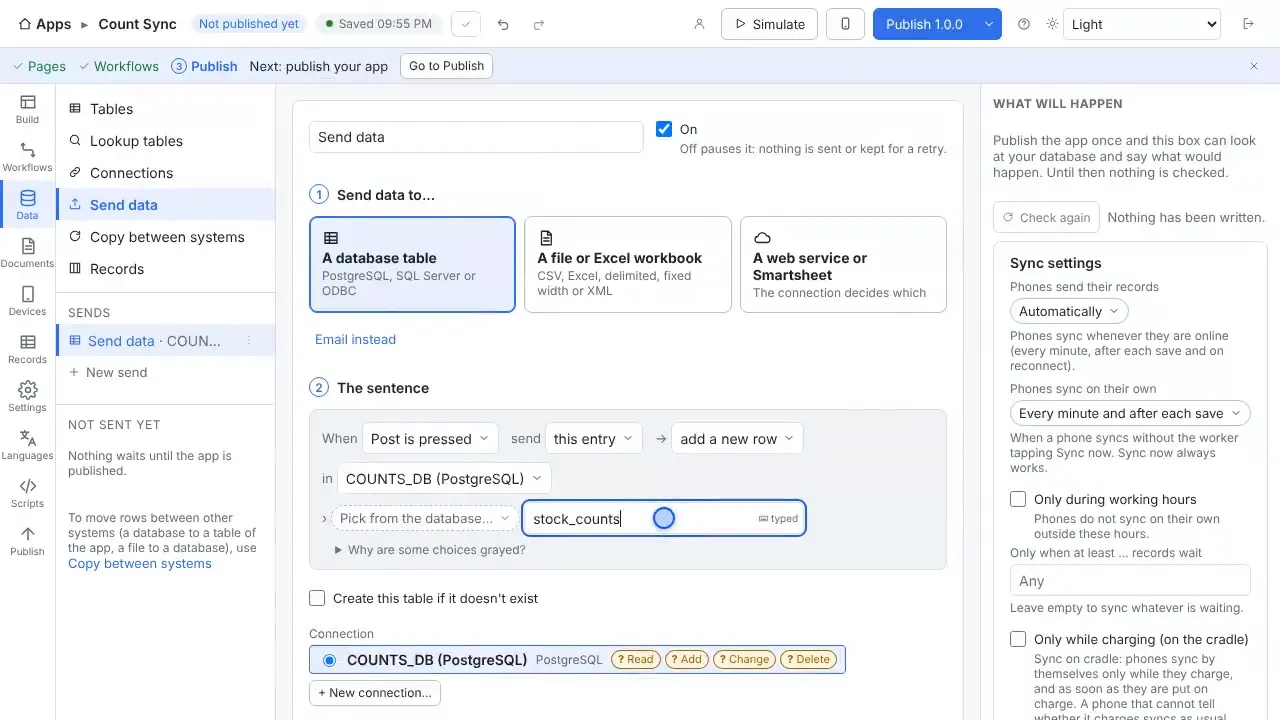
Keep an Excel workbook up to date row by row after every sync, or write CSV, delimited, fixed-width or XML files, with one file per site if you like.
Browse and export records
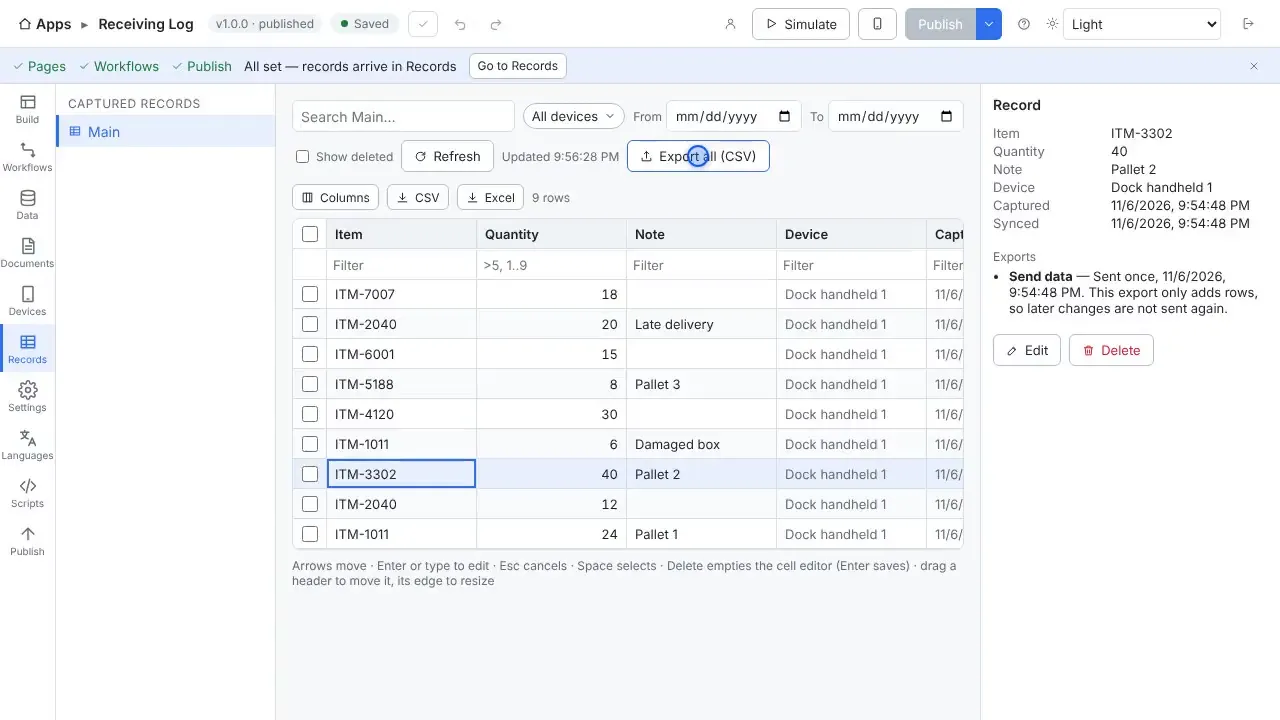
Records shows everything captured in a spreadsheet-style grid, with search and filters, and exports to Excel or CSV.
Ready-made sample files
The starter apps read sample spreadsheets of items, locations, orders and assets that StepVane puts on your PC, so you can try an app before connecting your own files.
Questions
- Do I need Excel installed on the server?
- The product page and the manual describe the file types StepVane reads and writes; check the manual for details on workbook handling before you rely on a specific Excel feature.
- Does it work without Wi-Fi?
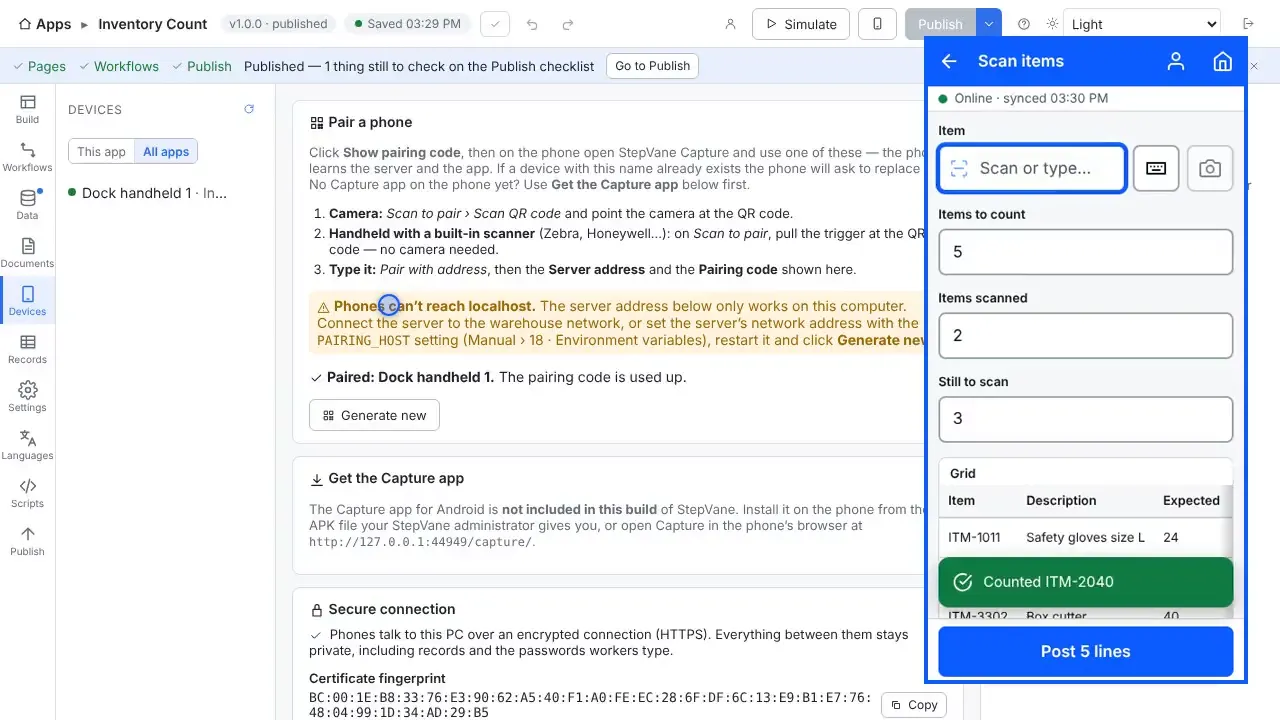
- Yes. Work is saved on the handheld first and uploads when the server can be reached again. The worker sees how much is waiting, and lookup tables stay on the device so scans are still checked against your data.
- Do I need a cloud account?
- No. The Windows PC that runs StepVane is the server, and the handhelds sync with it over your own network. There is no StepVane cloud account to create.
Watch how it is set up
Used in
Other integrations
Start with one device today
Free for Studio, one handheld and one worker. No cloud account, no credit card.