
Solution
Visitor sign-in app for tablets, with photo and signature
Visitors sign in with a photo, signature and safety agreement, and sign out when they leave. The Visitor Sign-In app is built for a tablet at the front desk.
How the worker uses it
- The visitor enters their details at the tablet.
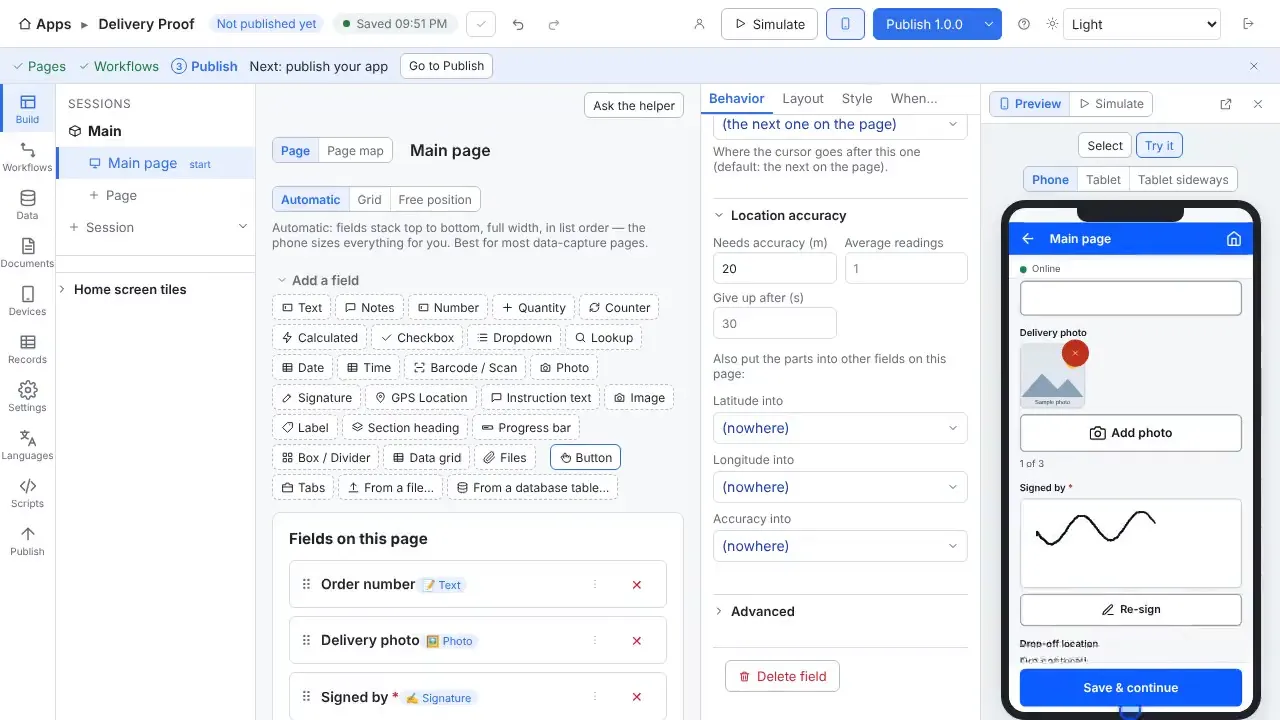
- They take a photo, read and accept the safety agreement, and sign.
- When they leave, they or the front desk sign them out.
What you can change, without writing code
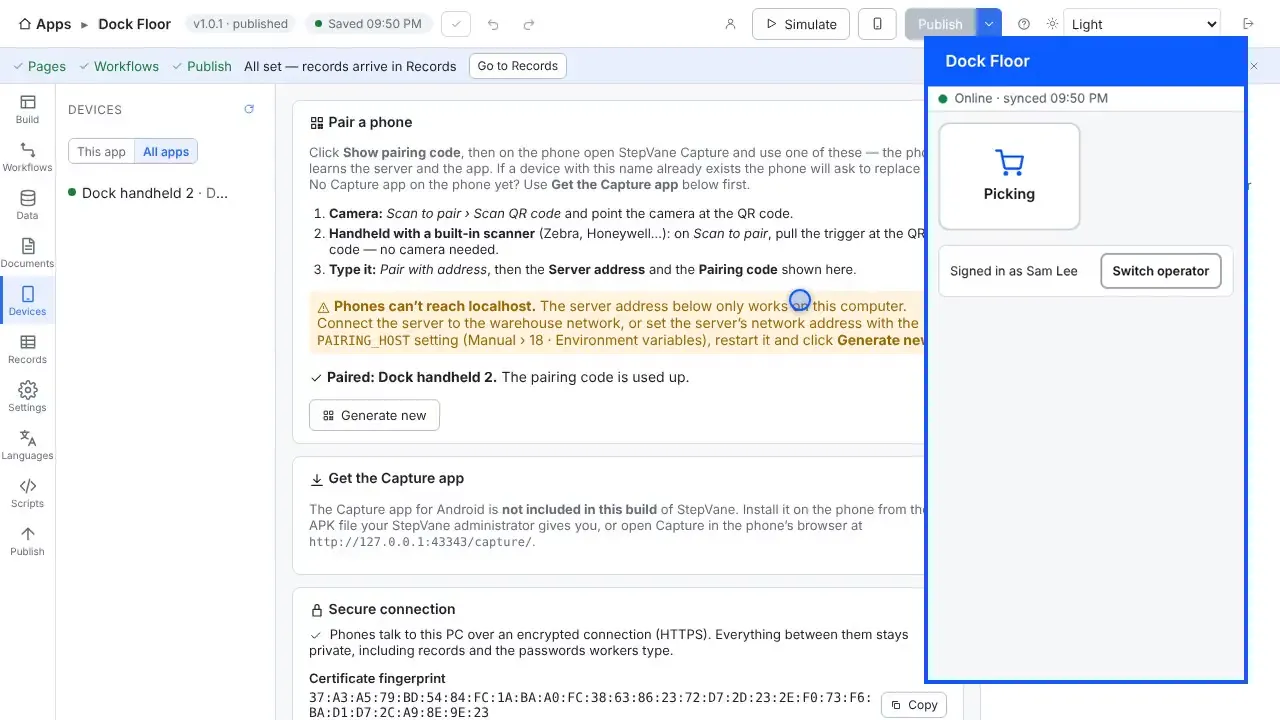
- Lock the tablet to StepVane with kiosk mode, optionally starting when the device turns on.
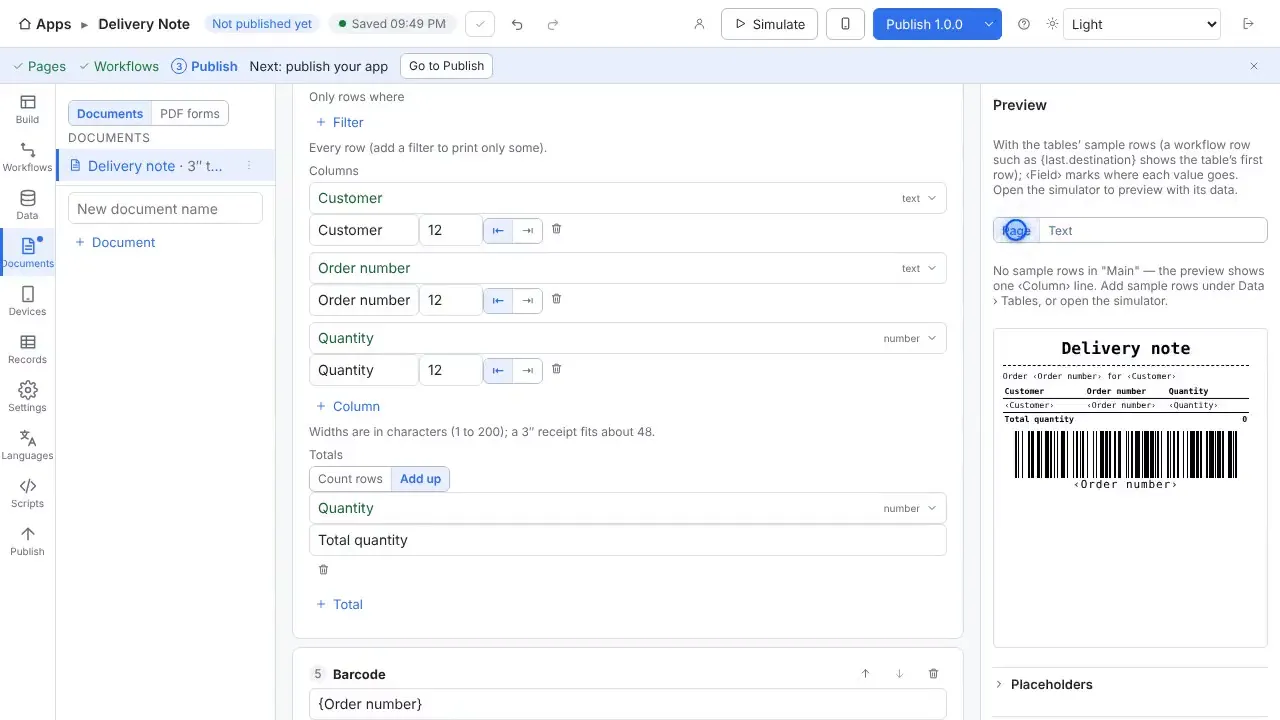
- Print or email a document from a workflow.
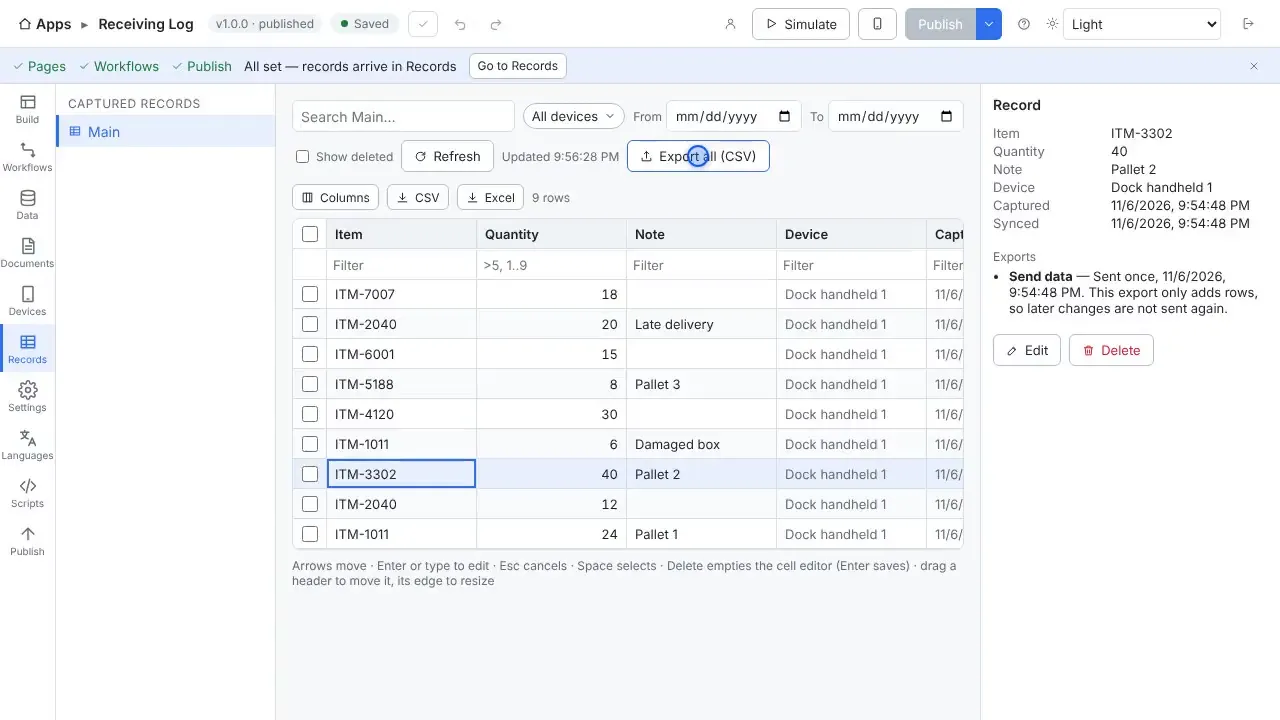
- Keep the visitor log in Records and export it to Excel.
Your data
Visitor records are saved on the tablet first and sync to your server. Every feature is included, and the first handheld and worker are free.
Questions
- Does it work without Wi-Fi?
- Yes. Work is saved on the handheld first and uploads when the server can be reached again. The worker sees how much is waiting, and lookup tables stay on the device so scans are still checked against your data.
- Do I need a cloud account?
- No. The Windows PC that runs StepVane is the server, and the handhelds sync with it over your own network. There is no StepVane cloud account to create.
- What does it cost?
- Studio, the server, one handheld and one worker are free, with every feature included. After that a license is $200 per device per year or $100 per worker per year. See the pricing page for how to choose.
Watch how it is built
Connects to
Other solutions
Start with one device today
Free for Studio, one handheld and one worker. No cloud account, no credit card.