
Connect handheld barcode apps to a REST API
Call your WMS, ERP or any web API from a workflow, and post what workers capture to an endpoint, with credentials kept on the server.
How it works
Start from what you have
Paste a curl command, or attach a Postman collection or OpenAPI (Swagger) file. StepVane fills in the address, the sign-in and the list of endpoints.
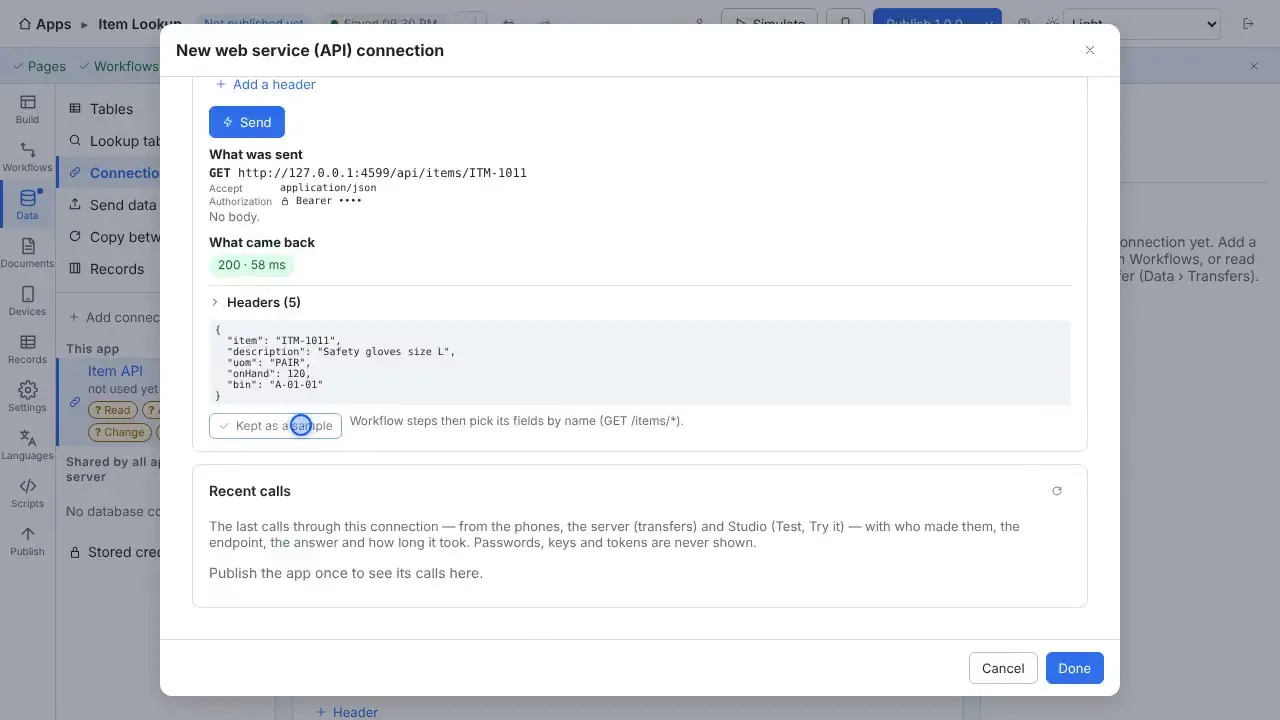
Try the endpoint first
Send a test request from Studio, see exactly what was sent (with the token hidden) and what came back, and use the reply as a sample.
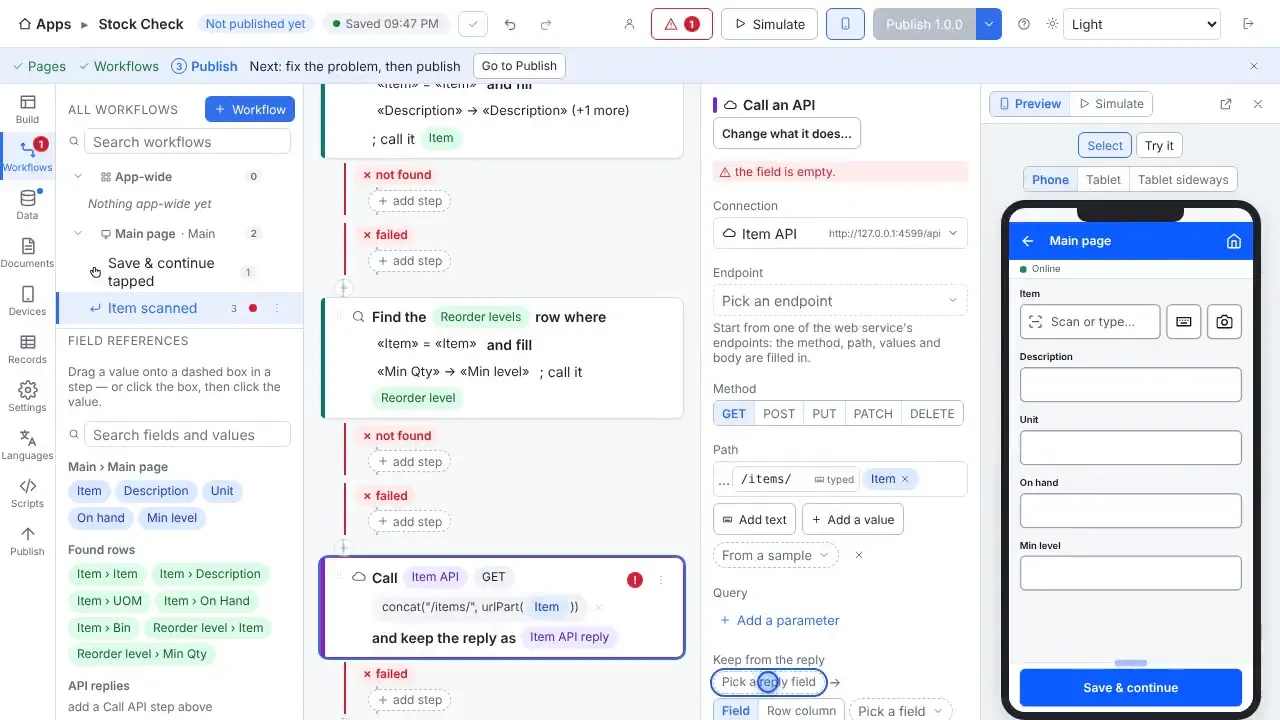
Call it from a workflow
A Call an API step puts the scanned value in the path or the request, and keeps fields from the reply, such as a description or a quantity on hand.
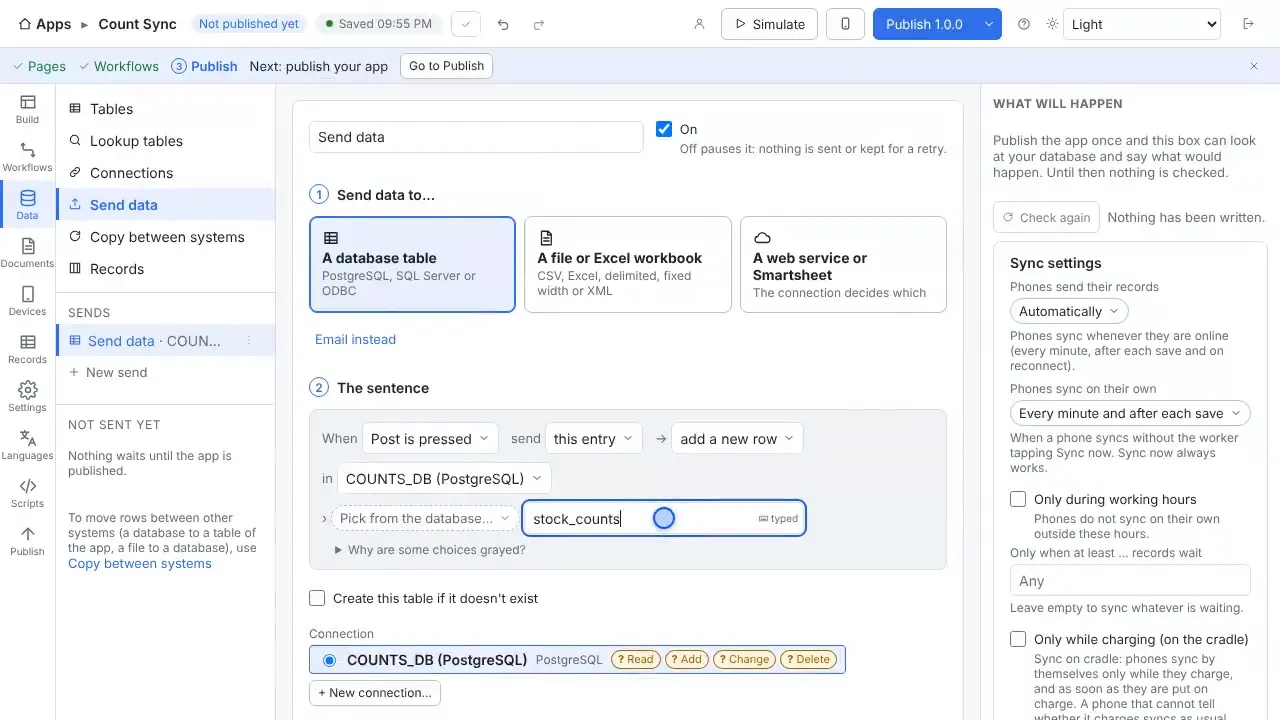
Post records to an endpoint
Send data to a web service in one request or one per record, shaped the way the endpoint expects.
Tokens stay on the server
Credentials are encrypted on the server. Calls go through your own server, with timeouts and size caps, and no redirects.
Let other systems in
A REST API with API keys lets other systems read and write the app's tables and start transfers.
Questions
- Does the handheld call my API directly?
- No. Calls go through the StepVane server, which holds the credentials. That also lets an API call queued while offline be sent once, later.
- Can I use Salesforce or Smartsheet?
- Yes. The features page lists Salesforce, Smartsheet and any other web API as supported connections.
- Does it work without Wi-Fi?
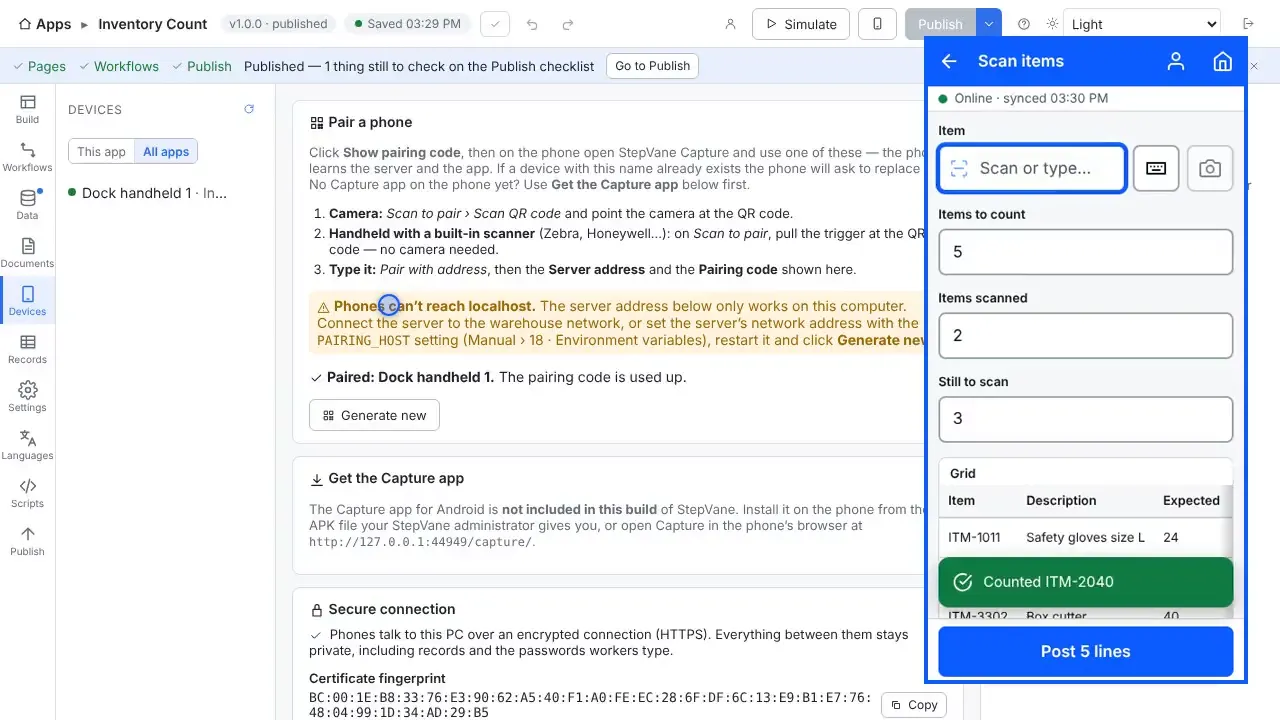
- Yes. Work is saved on the handheld first and uploads when the server can be reached again. The worker sees how much is waiting, and lookup tables stay on the device so scans are still checked against your data.
- Do I need a cloud account?
- No. The Windows PC that runs StepVane is the server, and the handhelds sync with it over your own network. There is no StepVane cloud account to create.
Watch how it is set up
Used in
Other integrations
Start with one device today
Free for Studio, one handheld and one worker. No cloud account, no credit card.